

Techlink SMS App
The official Android companion to Techlink SMS. Send bulk campaigns, track deliveries, manage contacts, and check your balance — from your phone, wherever you are.

Everything You Need, On Your Phone
The Techlink SMS App brings the full power of the web platform to your Android device — no desktop required.
Send Bulk SMS
Send personalised or promotional messages to large contact lists with just a few taps.
Live Delivery Reports
Track real-time status of every message — delivered, pending, or failed — at a glance.
Smart Scheduling
Schedule messages in advance and deliver them at the most effective time for your audience.
Contact Manager
Import contacts, create groups, and manage your recipient lists directly from your phone.
Balance & Top Up
Check your SMS credit balance anytime and purchase top-ups without leaving the app.
Secure Login
PIN protection, and fully encrypted data keep your account safe.
Sender ID Request
Submit and manage your sender ID requests directly from within the app.
Transaction History
View a full log of your account transactions and credit usage at any time.
In-App Support
Reach the Techlink support team directly from the app — help is always close by.
See It In Action
A clean, intuitive interface designed for everyday use.
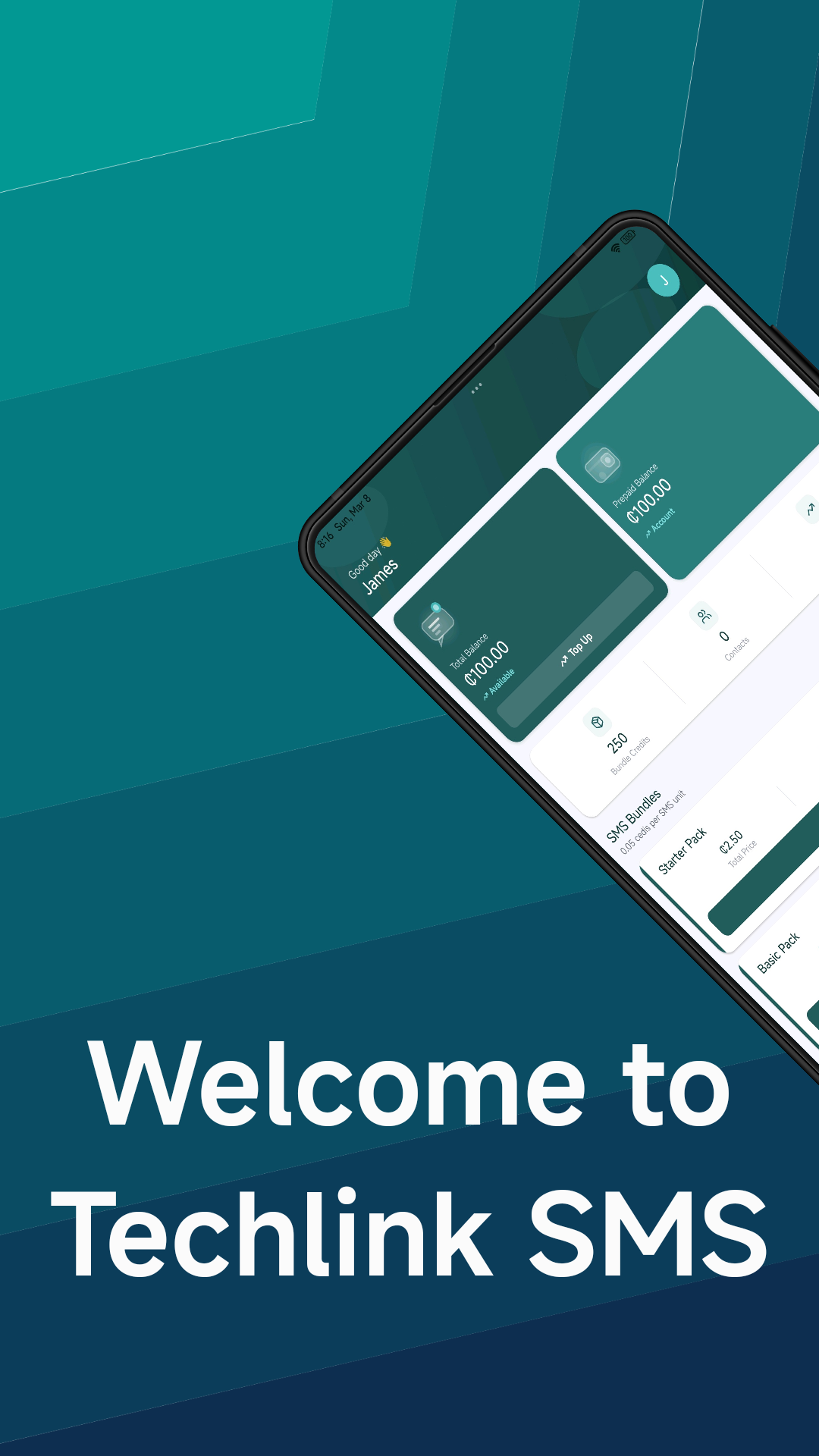
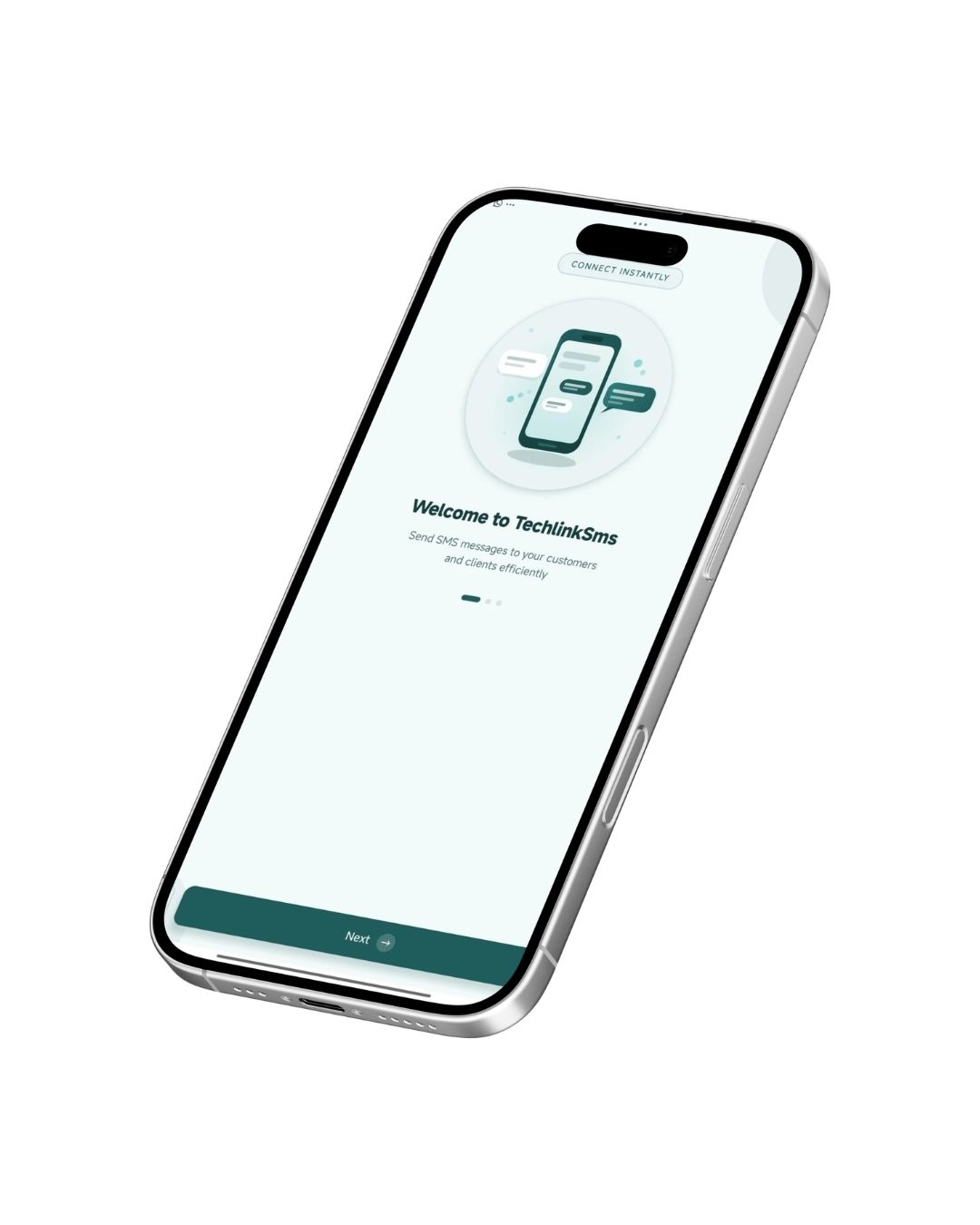
Welcome Screen

Send Bulk Messages
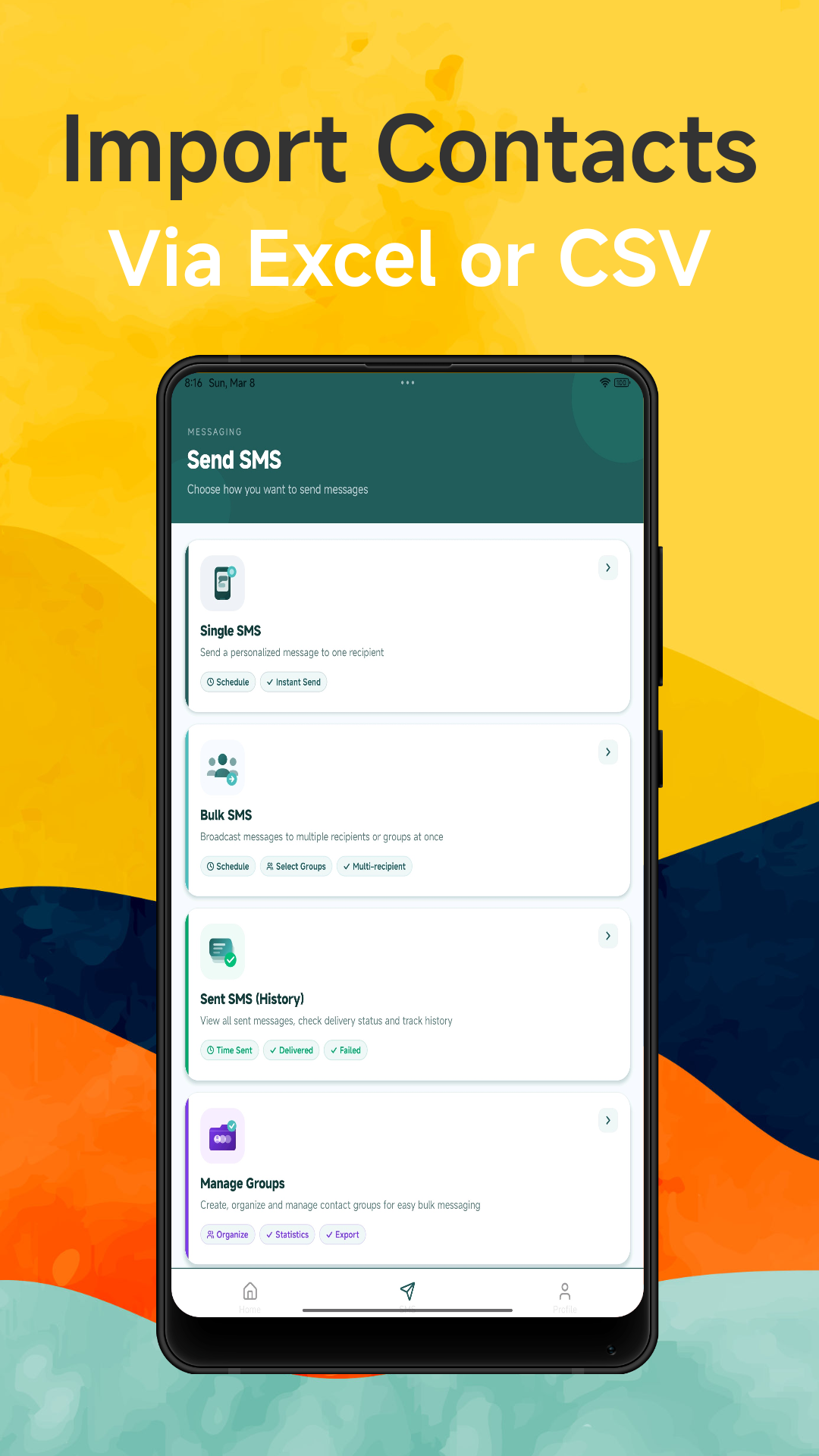
Import Contacts
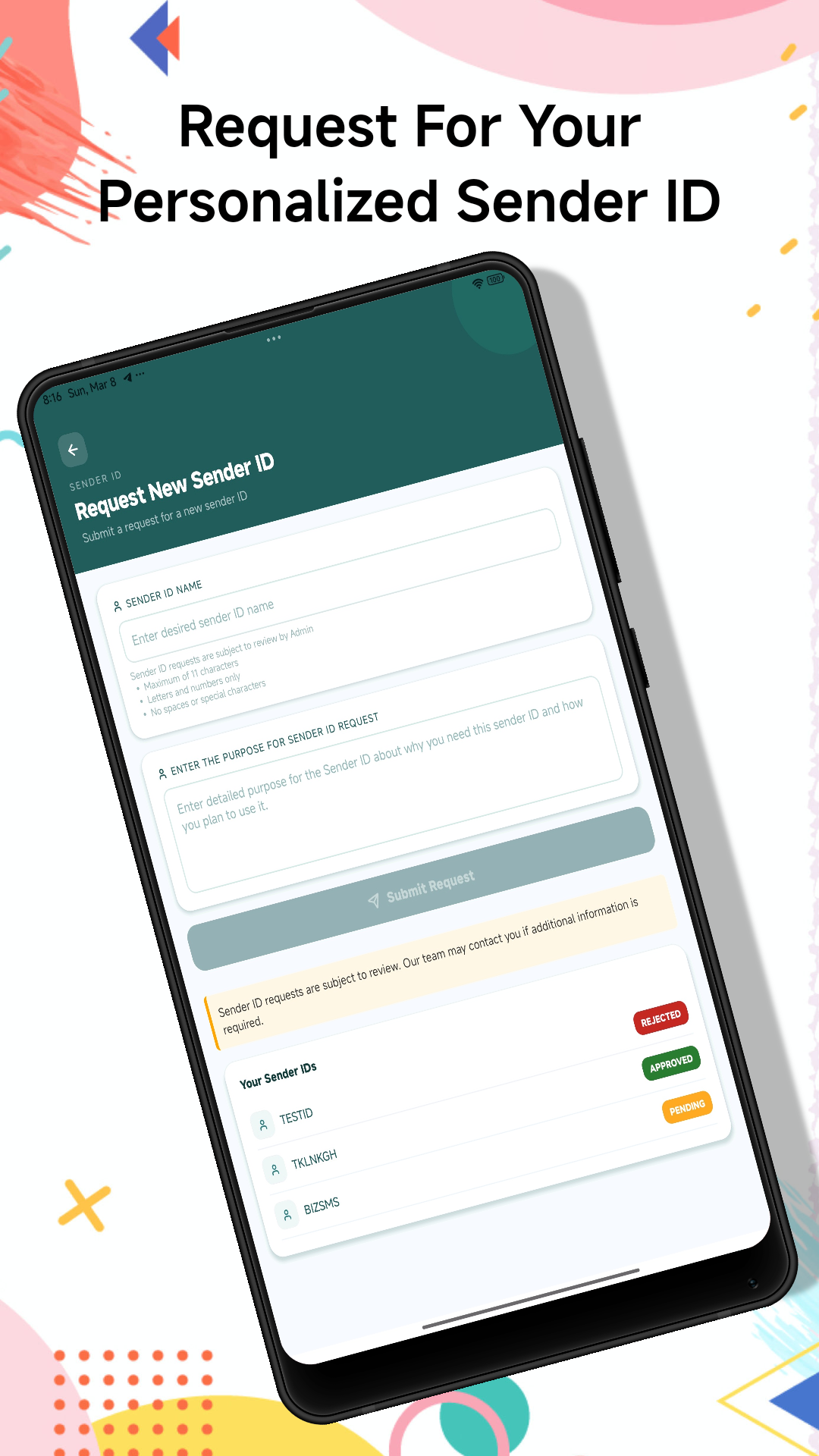
Sender ID Request
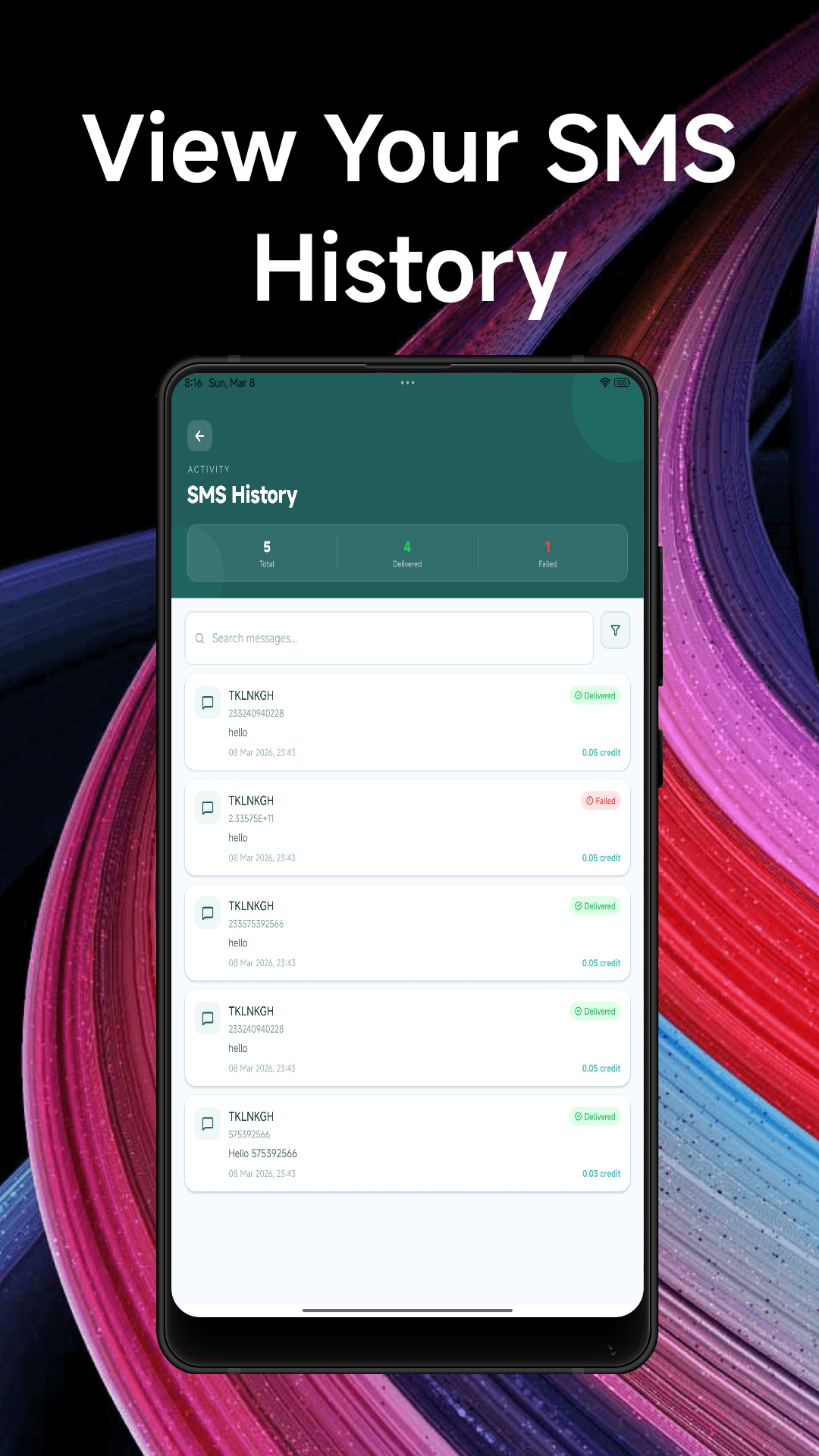
Delivery Reports
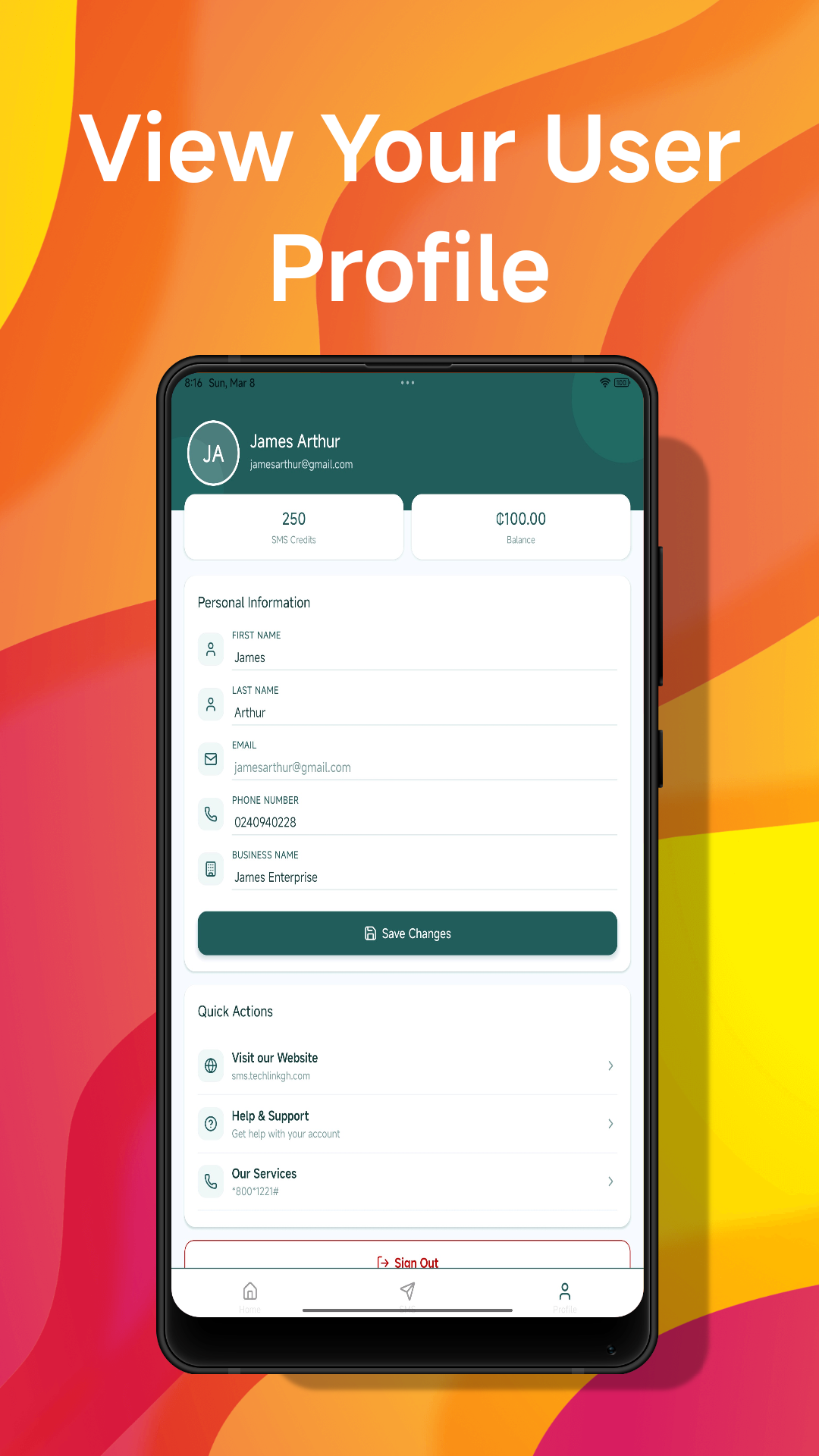
User Profile
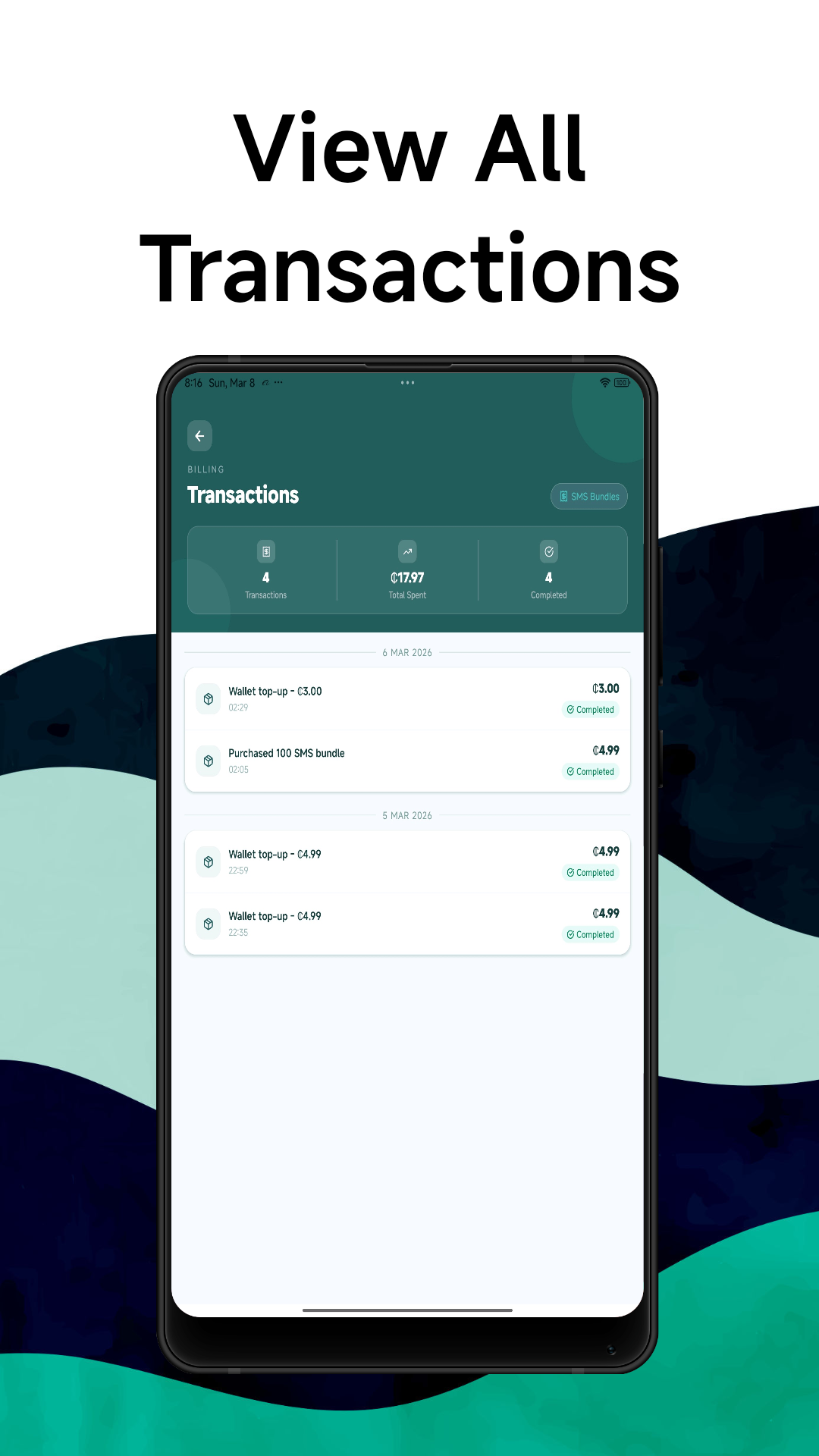
Transactions
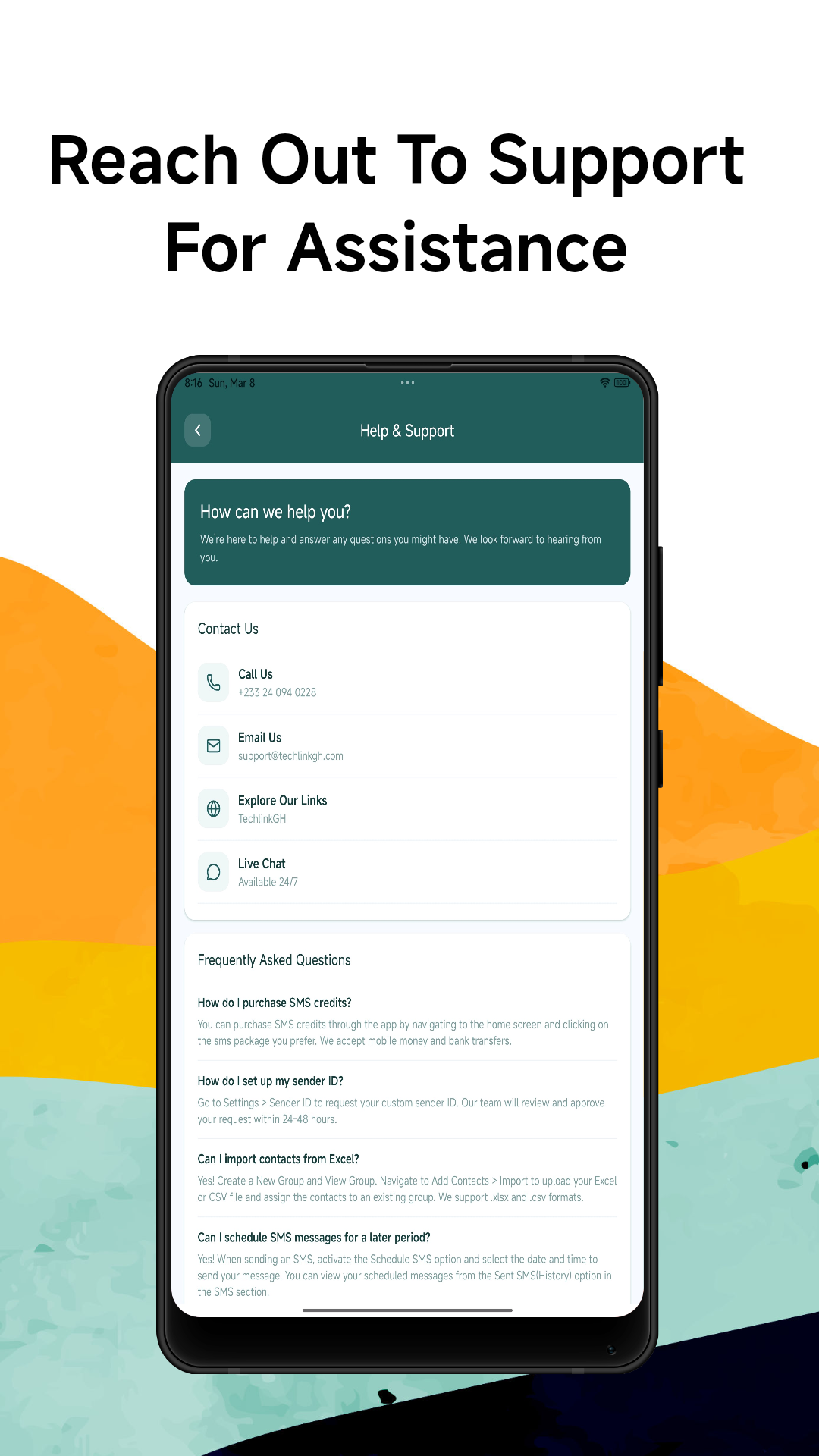
Support
Get Started in Minutes
From download to your first campaign — it only takes a few steps.
1. Download the App
Install the Techlink SMS App free from Google Play Store on your Android phone.
2. Sign In
Log in with your existing Techlink SMS account or create a new one for free.
3. Add Contacts
Import your contact list or add recipients manually to a group.
4. Send Your Campaign
Compose your message, choose recipients, and hit send — or schedule for later.
App Questions Answered
Common questions about the Techlink SMS Android App.
Ready to Send SMS from Your Phone?
Download the Techlink SMS App on Android and manage your campaigns from anywhere.
